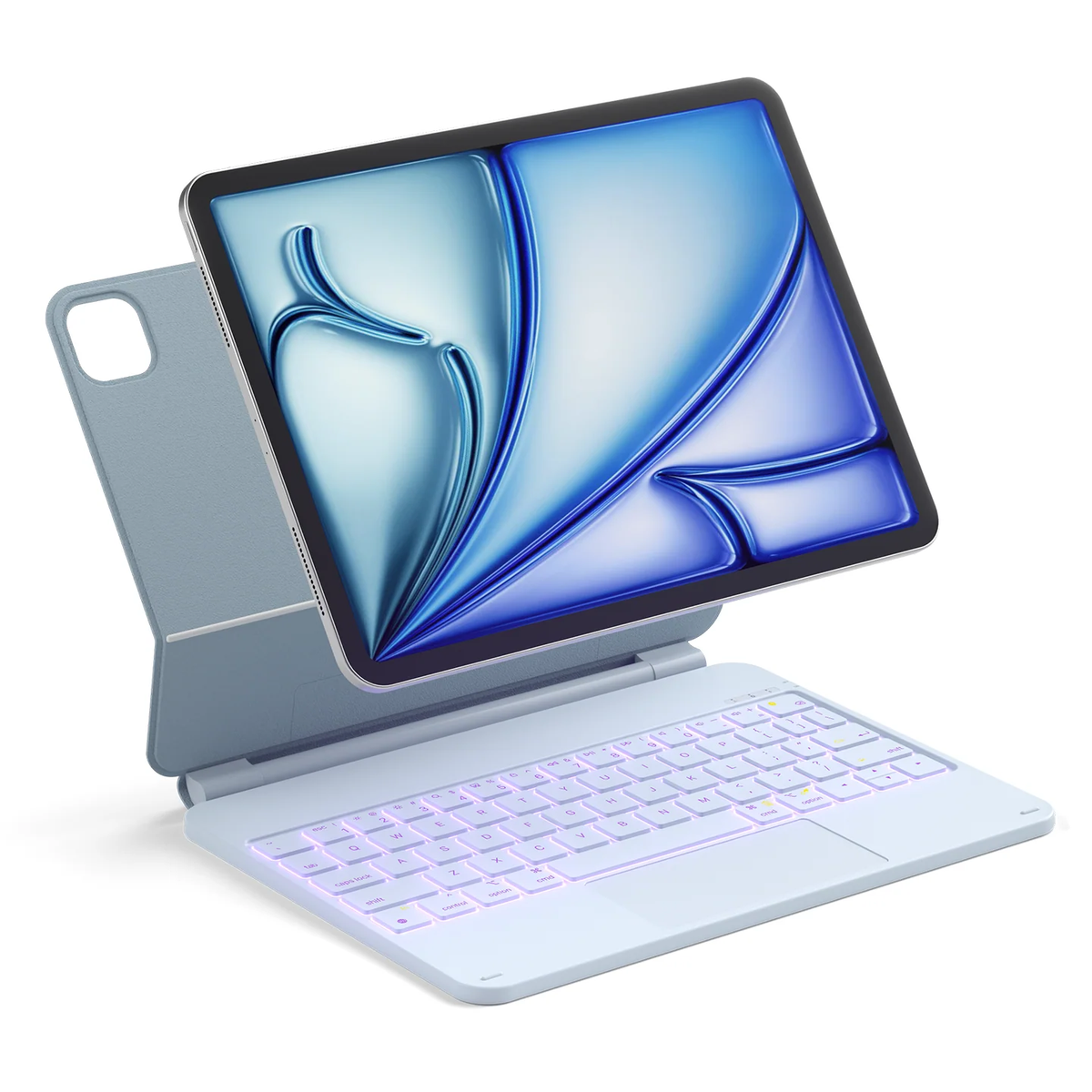
A keyboard case should fit the iPad you actually own—not simply a screen size that sounds familiar. Before choosing a color, identify your exact model and check it against the case’s compatibility list.
1. Find your iPad model in Settings
Open Settings → General → About. Note the Model Name, then find Model Number. If it shows a part number, tap it to reveal the model number beginning with A.
Match that A-number using Apple’s official iPad identification guide. Keep the exact model name, generation or chip designation, screen size and A-number together. Your purchase year alone does not identify the generation: a recently purchased iPad may be an earlier model.
You do not need to share your serial number to ask whether a case fits. Send the model name and A-number instead; crop unrelated personal information out of screenshots.
2. Match the exact device version
Compare your notes with the keyboard case’s compatibility list. Screen size alone does not confirm that the fitted shell, camera opening or attachment will match your device. An iPad, iPad Air and iPad Pro should not be treated as interchangeable because their screen sizes sound similar.
Check the device option selected on the product page before adding it to your cart. Color and device compatibility are separate choices. If your exact model is not clearly listed, ask the store before ordering.
3. Check the features you will actually use
- Typing: check the keyboard layout and the shortcuts described for that product.
- Navigation: if you want a trackpad, confirm it is included and check which gestures the product supports.
- Connection and charging: read the stated connection method and whether the keyboard needs separate charging.
- Installation: check attachment and removal instructions, including whether your existing protective case needs to come off.
These are purchase checks, not features to assume every keyboard case includes.
Recommended product to check: OFIT AceMagic
If you have an iPad (A16, 2025) or iPad 10th generation, start with the OFIT AceMagic keyboard case in Sky Blue. Review its current compatibility details against your exact model before ordering. This recommendation does not extend to similarly sized iPad Air or iPad Pro models.
Your final pre-checkout checklist
- Record the exact iPad model and A-number.
- Confirm that the product listing explicitly supports your device.
- Check the selected device version and color in your cart.
- Read connection, charging and installation instructions.
- Ask about any unclear compatibility detail before paying.
You can send this message: “My iPad is [model name/generation], model number [A-number]. I am considering [product name and device option]. Can you confirm compatibility and whether I need to remove my current case?”
Common buying questions
Is the iPad family name enough?
Not always. Keep the exact generation or chip designation and A-number available when checking a listing or contacting support.
Does Bluetooth connectivity prove a case will fit?
No. Wireless connection and physical fit are separate checks. A keyboard may connect while its fitted case is unsuitable for the device.
What if the iPad does not align naturally during installation?
Stop instead of forcing it into place. Recheck the device version and the product’s installation instructions, then ask the store to confirm the fit.

Leave a comment
This site is protected by hCaptcha and the hCaptcha Privacy Policy and Terms of Service apply.