Choosing a keyboard case starts with compatibility. A useful keyboard is only a good purchase when its case fits your exact iPad and its controls suit the way you work.
Start with your exact iPad
Open Settings, General, About. Record the model name and tap Model Number to reveal the A-number if a part number appears first. Use Apple's iPad identification guide to confirm the device. Our iPad model identification checklist explains the steps.
Match the case version, not just the screen size
Check the product's compatibility list for the exact generation or chip designation. Similar screen sizes do not establish that camera openings, fitted shells or attachment points match. Select the correct device version before choosing a color. If the listing is unclear, ask for confirmation before ordering.
Decide how you will use it
For long writing sessions, check the keyboard layout and the keys you use most. For spreadsheets and editing, consider whether you want a built-in trackpad. For calls or reading, check the supported viewing positions. Judge the features described for the specific product rather than assuming that every keyboard case offers the same controls.
Check connection and charging separately
Read how the keyboard connects and whether it needs its own charging cable. Wireless connectivity does not establish physical fit. Check both before buying, and look for the setup instructions you will need when the case arrives.
Check what stays on your iPad
If you already use a protective shell, do not assume it can remain attached inside a keyboard case. Check the installation instructions and ask whether that combination is supported. Likewise, a keyboard-compatible protective case should not be assumed to include a keyboard; read the included-items list.
Recommended product: a protective companion for your keyboard
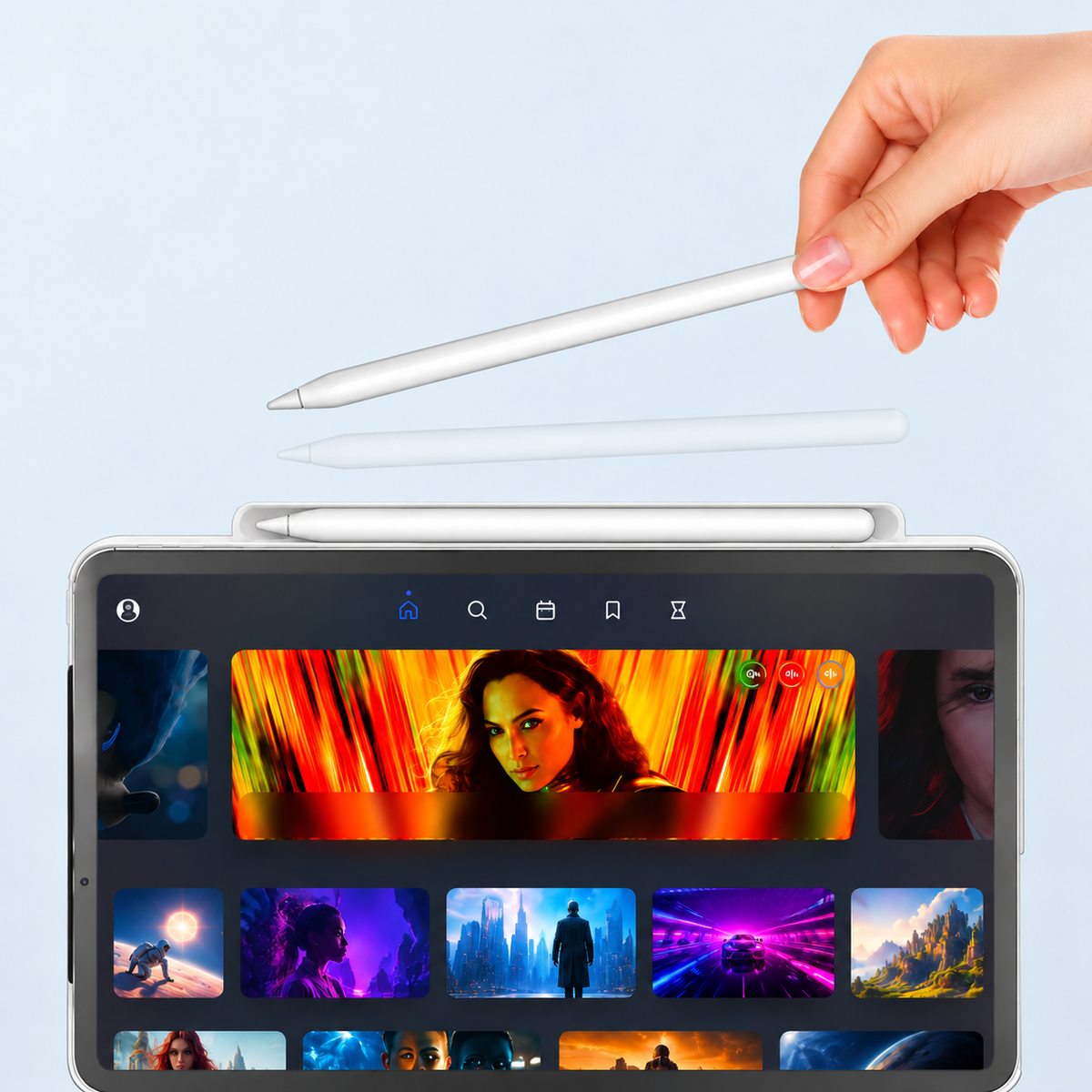
Already have a compatible keyboard and want a protective shell with a pen holder? Consider the OFIT SnapMate Black keyboard-compatible iPad case. The listing includes a selectable version for iPad (A16, 2025) / iPad 10th generation. Select your exact device version and confirm compatibility with your keyboard before ordering. SnapMate is a protective case, not a keyboard.
Before you check out
- Confirm the exact iPad model and selected case version.
- Review the keyboard layout, trackpad and connection details.
- Check charging requirements and included accessories.
- Confirm installation requirements for any existing shell.
- Recheck the device option and color in your cart.
If you need help, send the store your iPad model name, A-number and a link to the case you are considering. Those details make a compatibility answer much more useful than screen size alone.



Leave a comment
This site is protected by hCaptcha and the hCaptcha Privacy Policy and Terms of Service apply.